Artificial Intelligence is rapidly reshaping enterprise software, and network analytics platforms are no exception. What began with dashboards and reports is evolving into conversational interfaces, intelligent recommendations, and AI-assisted investigations. The question is no longer whether AI belongs in network operations, but how it should be used.
With the upcoming Trisul 8.0 release, we’re introducing Trisul AI, a conversational AI interface that brings natural language to Trisul.
But before building it, we asked ourselves a simple question.
What should AI actually do in a network analytics platform?
Should it become the intelligence behind the platform, or should it make an already capable analytics engine easier to use?
At Trisul, we chose the latter.
AI Should Be the Interface, Not the Analytics Engine
Network analytics has always relied on one thing above everything else, trust.
Every report, metric, dashboard, and investigation is expected to be backed by actual network data, not assumptions. Trisul’s streaming analytics engine has spent years processing traffic, computing metrics, detecting anomalies, building historical datasets, and powering investigations across billions of flows.
So when we started designing Trisul AI, replacing that engine was never the goal.
Instead, we wanted to remove the friction that sits between engineers and the answers Trisul already has.
Rather than asking AI to generate network intelligence, we built it as a conversational layer on top of Trisul’s proven analytics engine. The intelligence stays exactly where it belongs, while AI makes it dramatically easier to access.
From Workflows to Conversations
Every mature platform eventually accumulates dashboards, reports, filters, and workflows. That’s a sign of capability, but it also means users spend time learning the product before they can solve the problem.
Need to compare yesterday’s Top Talkers with today’s?
Generate a custom report?
Investigate a traffic spike?
Visualize the results?
Explain what a dashboard means?
Look up product documentation?
Traditionally, each of these involves a different workflow.
With Trisul AI, they all begin the same way.
You ask.
Compare today’s top bandwidth consumers with yesterday’s.
Investigate the traffic spike around 3 PM.
Generate a Sankey diagram for application traffic.
Explain this dashboard.
How do I create a dashboard?
The conversation becomes the workflow.
For new users, this significantly lowers the learning curve. For experienced engineers, it removes repetitive navigation and allows them to focus on network operations instead of remembering where a feature lives.
More Than a Chat Interface
Thinking of Trisul AI as “a chatbot for Trisul” would be selling it short.
It becomes a single entry point for many of the tasks engineers perform every day.
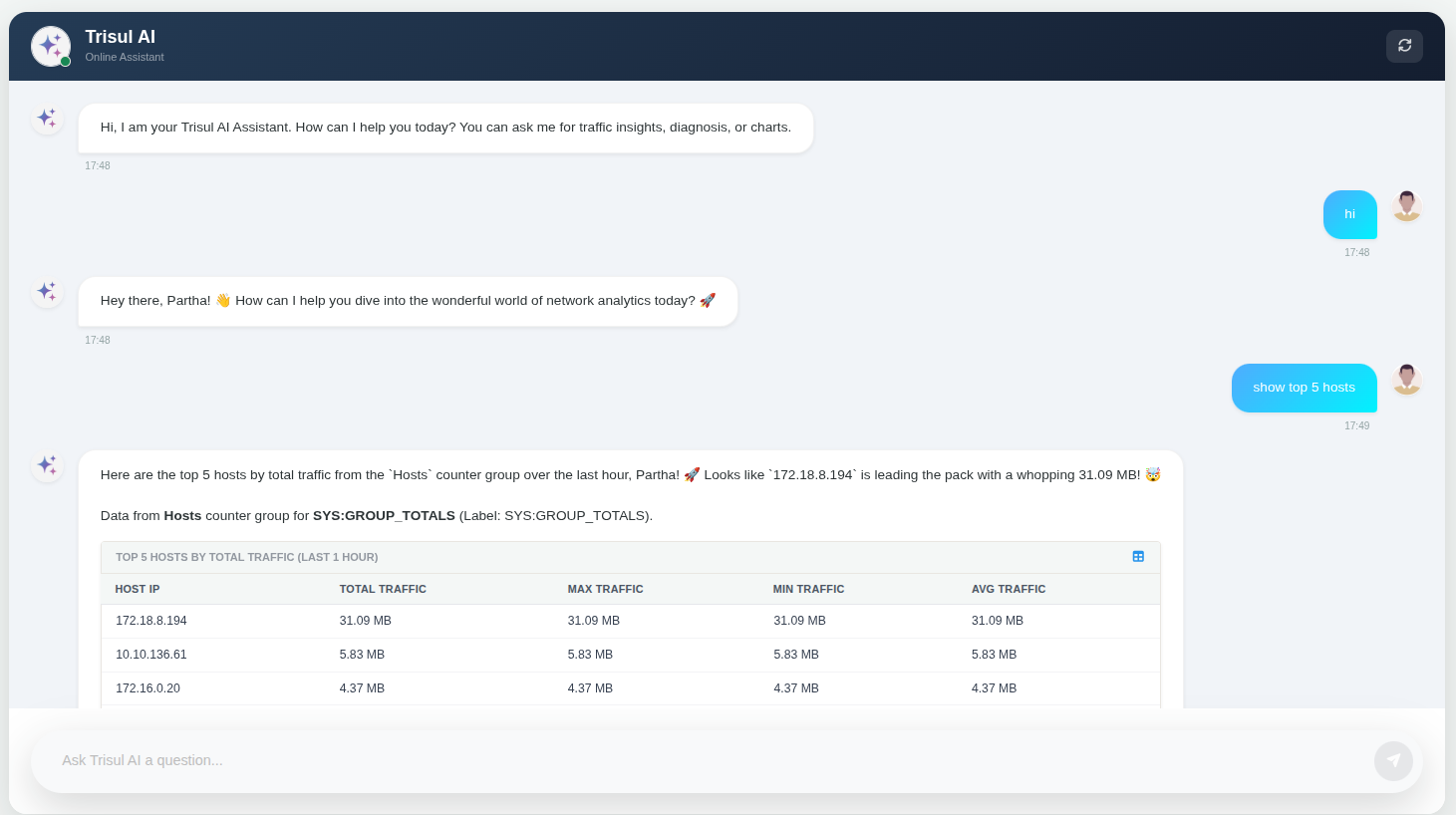
Within the same conversation, users can:
- Generate custom reports beyond standard templates.
- Compare historical datasets and Top Talkers across different time periods.
- Summarize incidents before sharing them with the team.
- Explain dashboards and counter groups.
- Investigate suspicious traffic patterns.
- Visualize traffic using line, bar, pie, and Sankey charts.
- Answer documentation questions without leaving the interface.
Because every conversation maintains context, investigations become progressively richer instead of repeatedly starting over.
Ask for yesterday’s Top Applications.
Compare them with today’s traffic.
Show only the biggest changes.
Generate a chart.
Explain the spike.
Summarize the findings.
Instead of switching between dashboards, documentation, reports, and CLI commands, the entire investigation stays in one conversation.
Built on Analytics, Not Replacing It
This is where Trisul AI takes a different architectural approach.
When a user submits a request, Trisul AI doesn’t analyse the network by itself. Instead, the request is forwarded to Trisul CLI, which interprets it, invokes the appropriate MCP tools, executes the required workflow, and retrieves the relevant information from the Trisul Hub, where Trisul’s analytics engine has already processed and stored the data.
The results are then returned to the conversational interface.
This distinction is important.
The AI isn’t responsible for correlating telemetry or generating the underlying analytics. Those responsibilities remain with Trisul’s streaming analytics engine.
The AI simply makes those capabilities accessible through natural language.
In other words, the analytics remain deterministic, while the user experience becomes conversational.
Flexible by Design
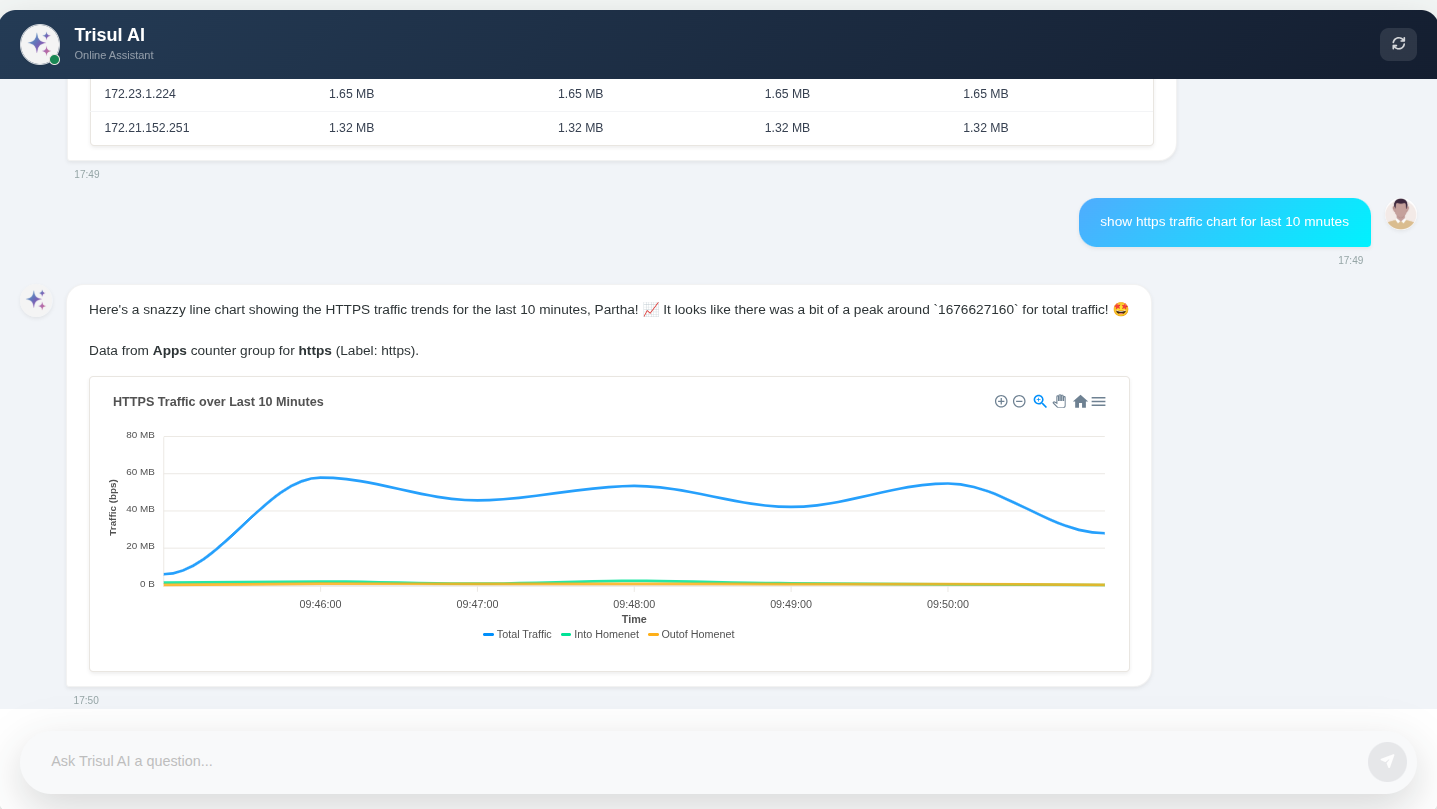
Trisul AI is built around three loosely coupled components:
- Trisul Hub, which stores historical analytics data.
- Trisul CLI, which communicates with the configured Large Language Model (LLM), invokes MCP tools, and executes workflows.
- WebTrisul, which provides the conversational interface.
These components can run on the same machine or across separate systems, making deployment flexible enough for different operational environments.
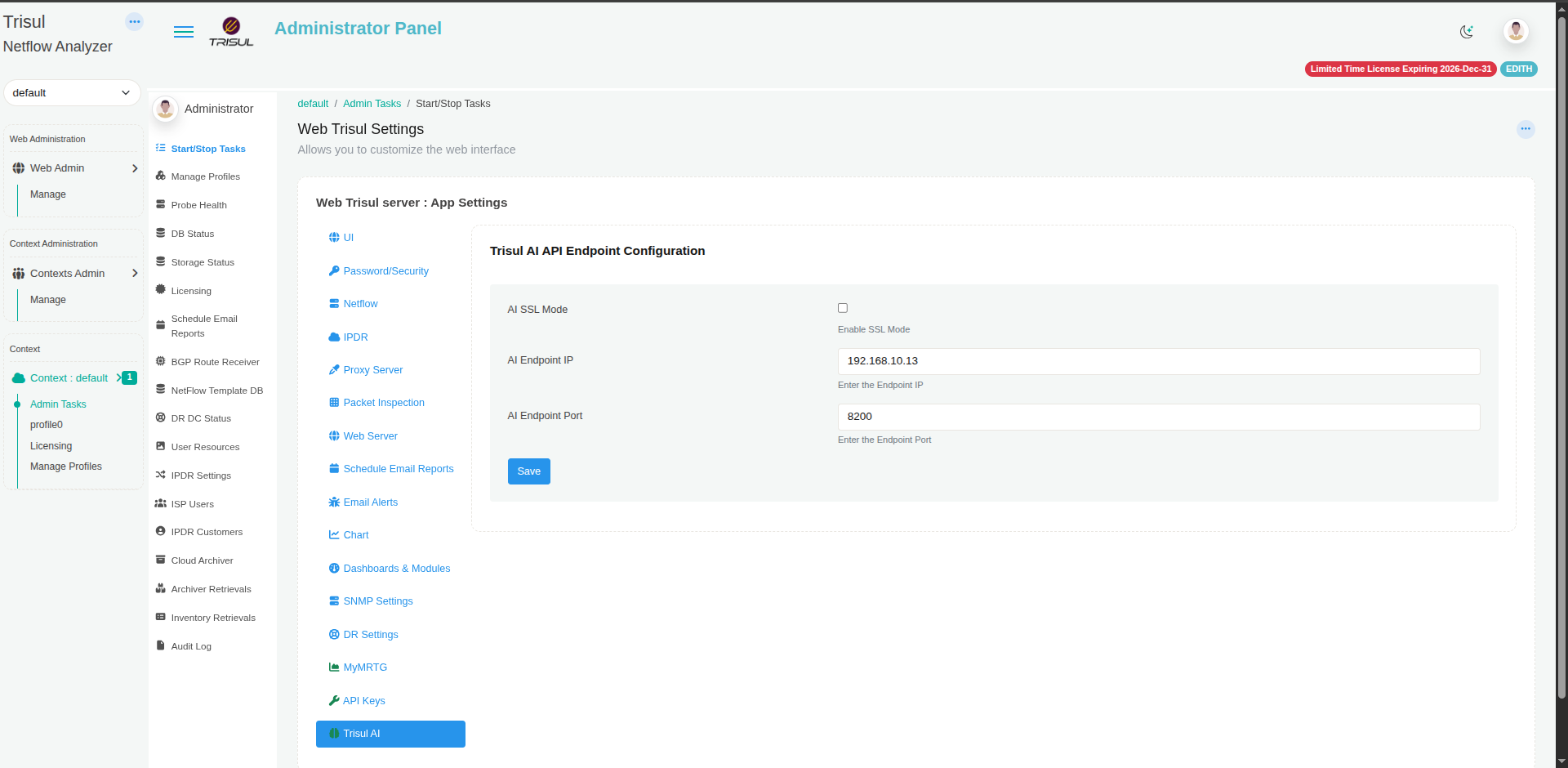
Administrators simply configure their preferred AI provider and API credentials within Trisul CLI, then point WebTrisul to the CLI endpoint.
This modular architecture keeps responsibilities clearly separated while allowing organizations to deploy Trisul AI in the way that best suits their infrastructure.
A Real-World Example: Custom Reports Without Custom Development
One of our banking customers requested a utilization report in a very specific format that matched their internal reporting template.
The required report contained only the following columns:
- Router IP
- Hostname
- Interface
- Interface Description
- In Utilization
- Out Utilization
- Total Utilization
The challenge wasn’t the data. Trisul already had all the required utilization metrics. The challenge was the presentation.
A typical Trisul utilization report includes additional analytical fields such as Total, Maximum, Minimum, Average, and Latest values. These are useful for most users, but the customer wanted a simpler report that fit directly into their existing workflow.
Trisul already provides built-in custom reporting, allowing users to choose the required counter groups, meters, filters, and time ranges. In this case, however, the customer wasn’t asking for different data. They wanted the same utilization data presented in a different report format.
Instead of creating a new report template, we simply asked Trisul AI to generate the report in the customer’s preferred layout.
Trisul AI understood the requested format, retrieved the required utilization data from Trisul’s existing analytics, removed the unnecessary columns, rearranged the information, and generated the report exactly as requested. The analytics didn’t change. Only the presentation did.
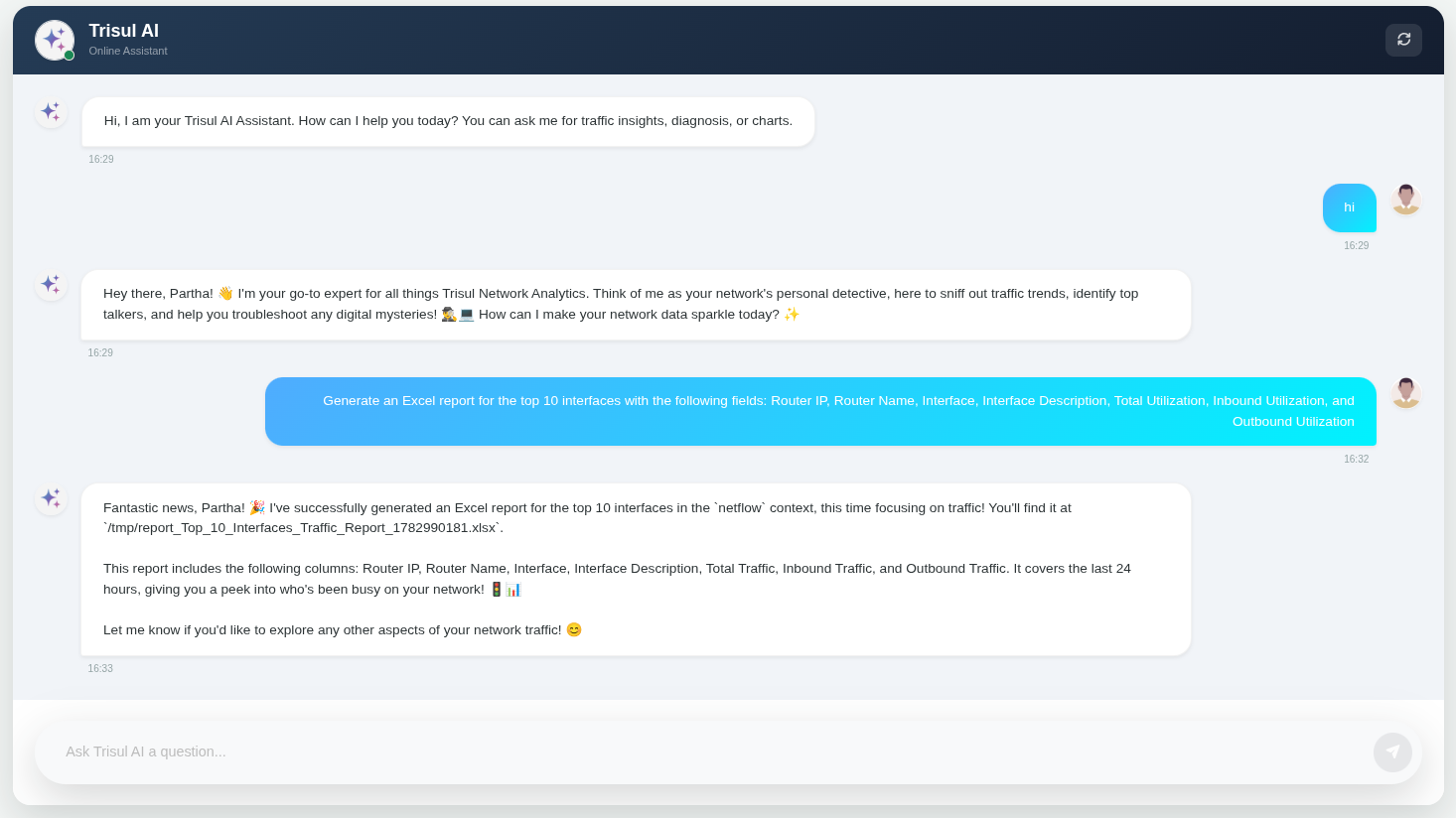
This is a great example of where Trisul AI delivers value. Rather than replacing Trisul’s reporting engine, it builds on top of it, allowing organizations to transform existing analytics into customer-specific reports through a simple natural language request.
Designed for Enterprise Environments
Introducing AI into enterprise infrastructure naturally raises questions around trust, privacy, and control.
Trisul AI was designed with these concerns in mind.
The LLM never communicates directly with the Trisul Hub or its database. It cannot access packet captures, modify Trisul configurations, or bypass the analytics engine. Every request passes through Trisul CLI, which retrieves only the information required to complete the requested workflow.
WebTrisul itself provides a read-only conversational interface, ensuring that AI assists investigations without becoming another administrative interface.
Trisul also minimizes data retention. It doesn’t store prompts, conversation history, or chat transcripts, nor does it collect prompts or send telemetry to Unleash Networks.
Organizations remain free to choose the AI model that best fits their operational and compliance requirements. Trisul AI supports OpenAI, Azure OpenAI, Google Gemini, Anthropic Claude, Ollama, and any OpenAI-compatible endpoint, including self-hosted deployments. API credentials remain within Trisul CLI and are never exposed to WebTrisul.
The Future of Network Analytics Is Simpler Interaction
The future of network analytics isn’t about replacing proven analytics engines with AI.
It’s about making them easier to use.
Trisul’s analytics engine continues to process traffic, compute metrics, generate reports, detect anomalies, and power investigations exactly as it always has.
Trisul AI simply changes how engineers interact with those capabilities.
Less time remembering workflows, navigating dashboards, searching documentation. And more time understanding the network. That’s the philosophy behind Trisul AI. Not replacing intelligence.
Making it effortlessly accessible.